

Direct Video Downloads
- Paste a direct video link (e.g., .mp4, .webm)
- Works with most video hosting services
- Some sites may block direct downloads (CORS)
Lightning-Fast Downloads
Multi-threaded technology boosts speed by 300%
Smart Resume
Auto-recover from interruptions, never lose progress
Complete Privacy
Local processing, no server uploads
A Practical Downloader for Direct Video Links and HLS Streams
Use one browser tool to identify the video type, download direct files, prepare M3U8 streams, keep query tokens intact, and move from quick testing to an offline file only when you have the right to save the content.
Direct Video Download
Download normal MP4, WebM, and similar direct video URLs when the source allows browser access and the file is not protected by DRM.
M3U8 and HLS Handling
Detect streaming playlist URLs and route HLS sources into a workflow that understands segmented video instead of treating it like a single file.
Smart Format Detection
The page checks the URL pattern and download context so you can quickly decide whether you are working with a direct file or a streaming playlist.
Extension-Assisted Discovery
Use the Chrome extension when a web page hides the media URL behind player scripts, network requests, or dynamically loaded sources.
Browser-Local Workflow
The tool focuses on browser-side preparation and download behavior instead of asking you to upload private video files to a remote converter.
Clear Next Steps
If a stream needs playback testing, conversion, compression, or format cleanup, continue into the related M3U8 and video tools from the same site.
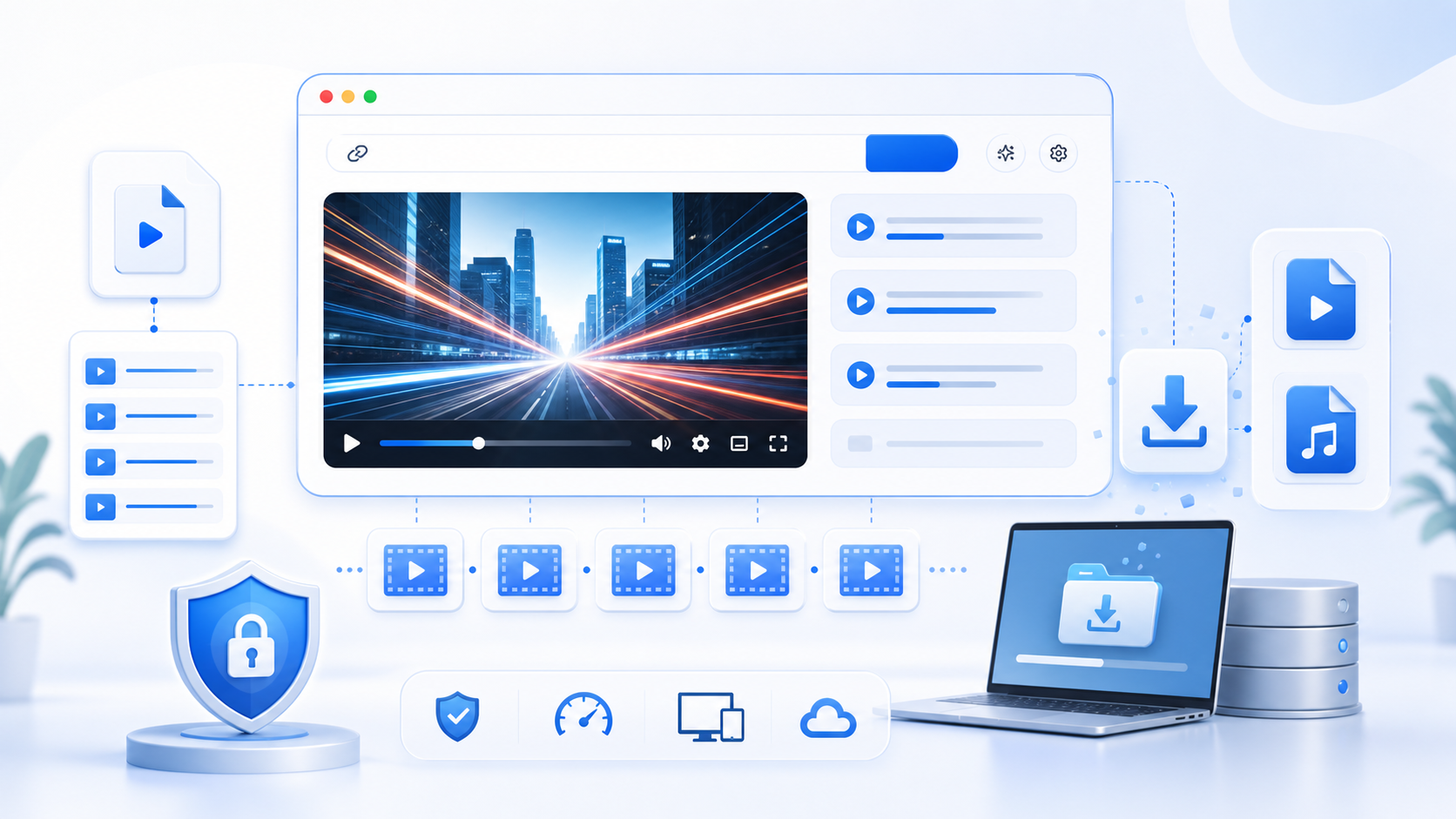
What is an Online Video Downloader?
An online video downloader accepts a media URL, checks whether it points to a downloadable file or a streaming playlist, and prepares the safest available browser download path. It is useful for QA, creator workflows, training content, and authorized media archiving.
Direct File URLs
Use it for downloadable video files that expose a real media URL and allow the browser to request the file directly.
Stream Playlist URLs
When the source is HLS, the page helps you recognize that the media is split into playlist and segment requests.
Rights-Aware Use
The workflow is intended for media you own, control, or have permission to download, not for bypassing protected platforms.
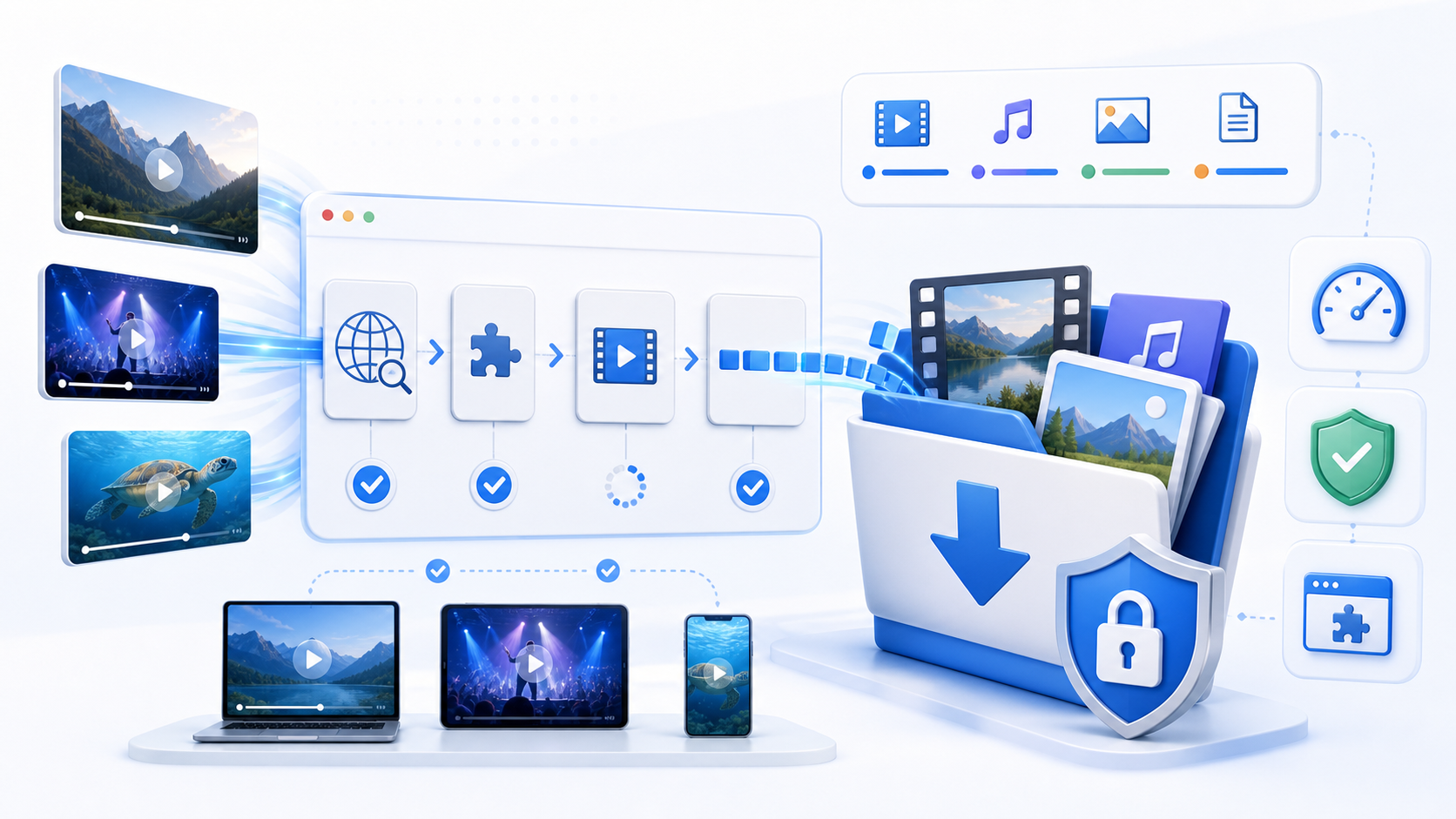
Why Use This Video Downloader
Most failed downloads are caused by hidden URLs, expired tokens, CORS rules, stream segmentation, or DRM. This tool keeps the workflow clear so you can test the link, understand the format, and choose the right next step instead of guessing.
One Place for MP4 and HLS
Avoid switching tools before you know what kind of media URL you have. Direct files and M3U8 streams start from the same input.
Faster Troubleshooting
Quickly see whether the source is reachable, whether the URL is current, and whether the browser can request the media.
Private by Design
For direct workflows, the browser handles the URL and file request. The page is not a video hosting or re-upload service.
Built for Real Media Workflows
Use it before converting, compressing, or testing playback so each later step starts from a verified source.
How to Download a Video URL
Follow this workflow to keep downloads reliable and legal. Start by confirming the media URL, then let the browser determine whether the source is a direct file or a segmented stream.
Copy the Media URL
Copy the direct MP4, WebM, or M3U8 URL from your authorized source. Keep query parameters and tokens intact.
Paste It Into the Downloader
Use the input area above. If you only have a page URL, use the extension or DevTools to find the real media request first.
Review the Detected Format
Check whether the URL behaves like a normal file or an HLS playlist before starting the download.
Start the Download
Download the file or continue into the HLS workflow when the media is segmented into stream chunks.
Test the Result
Open the saved video in a player or convert it if you need a different format for editing, sharing, or archiving.
Built for Everyday Video Checks
A lightweight download workflow for creators, QA teams, educators, and developers working with authorized media links.
Common Sources
MP4/HLS
Direct files and playlists
Install Required
0
Runs from the browser
Best Use Case
Authorized
Only content you can legally save
Who Uses the Video Downloader
People use this page when they need a fast way to validate and save authorized media before playback testing, conversion, compression, or content review.
Maya Collins
Video Operations Lead
I use the video downloader pages when I need a quick browser check before sending media to an editor or client. The workflow is simple enough for repeated daily use.
Daniel Park
Frontend Engineer
The local browser processing model matters. I can validate the video downloader output without handing internal test files to another upload service.
Rachel Morgan
Course Producer
Our lesson clips need fast cleanup before publishing. This tool gives my team a practical path from source file to usable output.
Owen Fisher
Streaming QA Analyst
It helps separate file problems from browser problems. I can test the result immediately and decide whether the source needs a different workflow.
Nora Bennett
Content Manager
The page is easy for non-engineers, but the details are still useful when we need to explain settings, quality, and export choices.
Luis Herrera
Support Specialist
When users send media that will not open or share cleanly, I start here because the page makes the next action obvious.
Priya Shah
E-Learning Manager
I like that the copy explains what is happening. It reduces back-and-forth when teammates need to convert or optimize clips themselves.
Marcus Reed
Media Technician
The browser-first workflow saves setup time. I can run a quick conversion or test without installing a desktop app on every machine.
Elena Rossi
Product Marketer
For demos, help docs, and social assets, this gives us a fast way to prepare media while keeping the original file workflow clear.
Online Video Downloader FAQ
Answers to common questions about direct video links, M3U8 streams, browser restrictions, privacy, legal use, extension discovery, failed downloads, and what to check before saving media.
What URLs can this downloader use?
It works best with direct media URLs such as MP4, WebM, or M3U8 playlist links. A normal web page URL may not work unless it exposes a real media request.
Can it download M3U8 or HLS streams?
Yes, when the playlist and segments are reachable from the browser and are not protected by DRM. HLS sources may require segment processing instead of a single-file download.
Why does a video URL fail?
Common causes include expired signed URLs, blocked CORS headers, missing segments, private authentication, rate limits, unsupported codecs, or DRM protection.
Can I download from subscription platforms?
No. The tool is for authorized direct media and test streams. It is not designed to bypass DRM, paywalls, or platform access controls.
Do you store downloaded videos?
No. The tool is designed around browser-side requests and does not require uploading your video files to a server for normal download checks.
When should I use the Chrome extension?
Use the extension when a web page plays video but does not show the real media URL. The extension can help discover visible network media requests.
What should I do after downloading?
Open the file in the HLS player or a normal video player. If the file needs editing, continue to MP4 conversion, compression, or audio extraction tools.
Is there a file size limit?
Large files depend on browser memory, network stability, and source server behavior. For very large streams, test playback and segment access before downloading.
Ready to Download an Authorized Video?
Paste the media URL, confirm the format, and save the file only when you have the right to keep the content.