
Online HLS Player
Paste any valid HLS or M3U8 stream URL and play it directly in your browser. This free online HLS player is built for live streams, VOD playlists, adaptive bitrate checks, subtitle testing, screenshots, and quick playback debugging without installing VLC, browser extensions, or desktop software.
Play M3U8 streams instantly in your browser
Paste M3U8 URL to start playing
Supports HLS live streams and video on demand
Free to Use
Completely free, no registration required
Instant Playback
No download needed, play directly in browser
Wide Compatibility
Supports various M3U8/HLS streaming formats
IPTV stream testing
If your HLS link comes from an IPTV workflow, use the dedicated IPTV Player page to test one authorized stream before opening a larger M3U playlist.
Open IPTV Player OnlineEverything You Need to Play HLS Online
Use one focused browser tool to open M3U8 playlists, verify HLS playback, inspect stream behavior, switch quality levels, capture frames, and decide whether a stream is ready for viewers, testing, embedding, or further processing.
HLS and M3U8 Playback
Open master playlists, media playlists, live streams, and VOD streams from a direct URL. The player uses native HLS support when available and HLS.js in browsers that need it.
Adaptive Bitrate Testing
Check whether quality variants switch correctly as network conditions change. This is useful when validating CDN output, encoding ladders, and player behavior before publishing.
Live and VOD Workflows
Test event streams, channel feeds, replay playlists, training videos, recorded webinars, and other HLS sources with the same simple playback interface.
Subtitle and Screenshot Tools
Import subtitles, verify timing, capture screenshots, and inspect the viewing experience without moving the stream into a heavier video editor.
Browser-Based Debugging
Confirm whether playback fails because of CORS, expired tokens, unsupported codecs, playlist structure, segment availability, or browser compatibility.
No Installation Required
Run playback checks in Chrome, Edge, Firefox, or Safari from a normal web page. There is no plugin, no app store install, and no account gate.
What is an HLS Player?
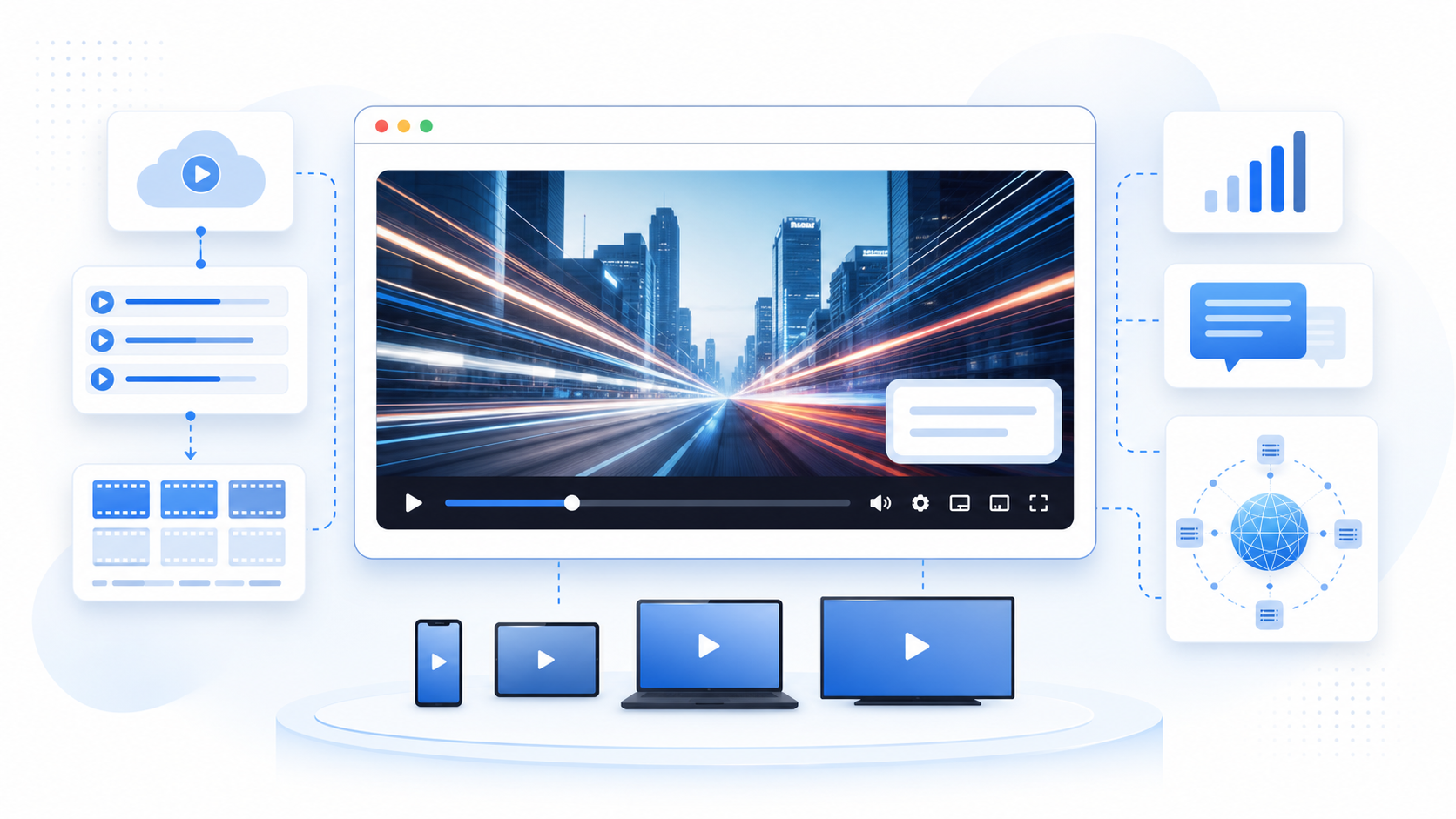
An HLS player reads an M3U8 playlist, requests the listed media segments, and presents the stream as smooth browser video. This online player gives you a practical way to open live or VOD playlists, test real playback behavior, and understand whether a stream is ready for web viewers.
M3U8 Playlist Support
Open master playlists, media playlists, signed URLs, and authorized test streams while keeping query parameters and tokens intact.
Segment-Based Streaming
HLS loads video in small chunks, so you can quickly spot missing segments, stalled requests, expired links, and playlist update problems.
Adaptive Browser Playback
Use the same browser environment your viewers use to check quality switching, captions, audio, controls, and cross-device behavior.

Why Use This HLS Player Instead of a Desktop App
Desktop players are useful, but browser playback tells you what your actual web users will experience. This page is designed for developers, stream operators, educators, and creators who need a fast way to test HLS streams from the same environment where viewers often watch them.
Validate the Viewer Experience
A stream that opens in a desktop app can still fail in a browser because of CORS headers, MIME types, codec support, mixed content, or token expiration. Testing in this online player helps you catch those web-specific issues earlier.
Debug Faster With Less Setup
Paste a URL, press play, and immediately check loading, buffering, playback controls, quality switching, subtitle behavior, and visible player errors. It is faster than launching a full media tool for every playlist.
Keep Playback Checks Local
The browser requests the stream directly from the URL you provide. The tool is meant for inspection and playback, not for hosting, re-streaming, or storing your video content on a remote conversion service.
Move to the Right Next Tool
After playback is confirmed, continue to the M3U8 downloader, MP4 converter, or video utilities when you need an offline file, a different format, or additional editing steps.
How to Play an HLS or M3U8 Stream
The workflow is intentionally simple, but each step helps isolate common streaming problems. Use it to verify that the playlist URL is current, reachable from a browser, compatible with web playback, and ready for live monitoring, QA, or user-facing playback.
Copy the Current M3U8 URL
Copy the direct playlist URL from your CDN, CMS, streaming platform, browser DevTools, or authorized test source. Keep query parameters, signatures, and tokens intact.
Paste the URL Into the Player
Use the input field above the player. The tool accepts normal HLS and M3U8 URLs and includes sample streams when you only need a quick playback test.
Start Playback and Watch Errors
Press play and look for loading behavior, browser errors, stalled segments, CORS failures, codec warnings, or token expiration. A working stream should start cleanly and continue segment loading.
Check Quality, Audio, Subtitles, and Controls
Switch quality levels when variants are available, test mute and volume, import subtitles if needed, capture screenshots, and confirm the controls match the workflow you expect.
Continue to Download or Convert if Needed
If playback works and you have the right to save the content, move to the M3U8 downloader or converter. If playback fails, inspect playlist headers, segment URLs, codec support, and access rules first.
Built for Repeated Stream Checks
A lightweight player page for quick HLS validation, everyday QA, and repeat playback testing across browsers and devices.
Common Workflows
Live/VOD
Event streams, channels, replays
Primary Format
M3U8
HLS playlists and variants
Install Required
0
Runs in the browser
Who Uses the Online HLS Player
The player is useful for people who need to verify stream behavior quickly before sending a link to users, embedding a player, debugging a CDN, or downloading authorized test content.
Maya Collins
Streaming QA Engineer
I use it to check whether HLS playlists fail in the browser before filing player bugs. It saves time because I can compare live and VOD behavior without opening a desktop player.
Daniel Park
Video Platform Developer
The useful part is testing adaptive variants in a browser context. If a playlist works here, I know the manifest, segments, and browser playback path are at least basically healthy.
Rachel Morgan
Online Course Producer
When a course replay link is reported as broken, I paste the M3U8 URL here first. It helps me separate expired links from browser playback and subtitle issues.
Owen Fisher
CDN Operations Lead
For live events, I need a fast sanity check before escalation. The page gives our team a simple way to confirm loading, buffering, and stream availability.
Nora Bennett
Broadcast Producer
Before sending preview links to clients, I test the stream here to confirm that the playlist opens, the video starts quickly, and the browser controls behave as expected.
Luis Herrera
Frontend Engineer
It is a clean first stop when someone reports that an embedded HLS player is broken. I can quickly tell whether the problem is our code, the playlist, or browser access rules.
Priya Shah
E-Learning Operations Manager
Our team uses HLS links for lesson previews and recorded webinars. This page helps non-engineers verify playback before we publish a course module.
Marcus Reed
Media Support Specialist
When a customer sends an M3U8 URL, I paste it here first. The result gives me a fast answer before I open deeper network logs or CDN tools.
Elena Rossi
Video QA Analyst
The player is simple enough for repeated checks but still useful for real QA work. I use it to review audio, captions, quality switching, and screenshot output.
HLS Player FAQ
Answers to the HLS and M3U8 playback questions that most often affect browser testing, live stream monitoring, video QA, and troubleshooting before download or conversion.
What is an HLS player?
An HLS player reads HTTP Live Streaming playlists and loads the referenced video segments in order. This online player lets you test that workflow directly in the browser by pasting an M3U8 URL.
What is the difference between HLS and M3U8?
HLS is the streaming protocol. M3U8 is the UTF-8 playlist format that tells the player where the stream segments and quality variants are located.
Can this player open live HLS streams?
Yes. Paste the live M3U8 URL and the player will request the current playlist updates. Live playback still depends on the source server, access tokens, codecs, and browser permissions.
Can I test adaptive bitrate streams?
Yes. When the master playlist includes multiple variants, the player can expose quality levels and use adaptive switching based on bandwidth and playback conditions.
Why does an HLS stream work in VLC but not in this browser player?
Desktop apps and browsers follow different rules. Browser playback can fail because of CORS headers, mixed HTTP content, unsupported codecs, missing MIME types, blocked segments, or expired signed URLs.
Does the tool upload my video?
No. You provide a playlist URL and the browser requests that stream from its source. The page does not require you to upload a video file for playback testing.
Can I use this as an M3U8 debugger?
It is useful for first-pass debugging. Use it to confirm playback, loading, controls, and browser-visible errors, then inspect DevTools network details for headers, segment failures, and response codes.
Can I download a stream after testing it?
If you have the legal right to save the content, use the M3U8 downloader after confirming playback. Streams with DRM, authorization, or unavailable segments may not be downloadable.
Which browsers support HLS playback?
Safari supports many HLS streams natively. Chrome, Edge, and Firefox commonly need JavaScript playback through HLS.js, which this page uses when browser support requires it.
What should I check when playback fails?
Check whether the URL is current, whether query tokens expired, whether the playlist and segments return 200 responses, whether CORS allows browser access, and whether the codec is supported.
Ready to Test an HLS Stream?
Paste your M3U8 URL, verify playback in the browser, and move to download or conversion only after the stream behaves correctly.