
Turn a remote playlist into a cloud-managed private TV source
Paste or upload an M3U/M3U8 list you are authorized to use. Preview real channels first, then save to the cloud, refresh the remote source every 24 hours while keeping your edits, and give every television app one fixed private address.
- Free local preview before you sign in or pay
- Paid plans unlock automatic sync and up to 3 private TV Feeds
- We process playlist text only — video still streams from the original URLs
3 private TV Feeds · 2,000 channels per playlist · 24 hour sync
Playlist Sync facts
A concise comparison of the verified Free and Pro playlist-management limits.
| Feature | Free | Pro |
|---|---|---|
| Cloud playlists | 1 | 20 |
| Channels per playlist | 50 | 2,000 |
| Automatic sync | Not available | Every 24 hours |
| Private TV Feeds | 0 | 3 |
| Daily channel checks | 0 | 2,000 |
| Export formats | M3U8 | M3U, M3U8, JSON, CSV |
| Video handling | Playlist text only; devices connect to the original video URLs | Playlist text only; devices connect to the original video URLs |
M3U8 Player does not sell or provide channels, IPTV subscriptions, access codes, or video streams. Only import playlists you own or are authorized to use.
Playlist Sync workspace
Import playlist text you are authorized to use, preview real channels, then save to the cloud or create a private TV Feed.
This box is empty and editable. Gray text is only a hint—you can type, paste (⌘V), or use Upload file. Then click Import playlist.
Overview
One playlist, one workspace. Structure, rules, EPG, Feed, and history all share this playlist.
Channels
0
Exportable
—
Groups
—
Phase
idle
Structure issues
—
URL checks today
Pro only
No EPG analysis yet. Open EPG to inspect your own XMLTV source.
One connected product workflow
From source playlist to television
Playlist Sync is not a screenshot and not a channel store. It is the path from an authorized remote list to a durable private Feed your living-room apps can keep reading.
Step 1
Import
Paste M3U/M3U8 text or upload a file in the workspace above.
You see real channel names and groups immediately. Remote URL preview in the browser is unreliable, so paste or upload for free preview; the server fetches the source when you enable automatic sync.
Step 2
Organize in the cloud
Save the list to your account and continue in another browser.
Free accounts can save within plan limits. Paid plans raise playlist and channel capacity and unlock favorites, checks, multi-format export, and history.
Step 3
Sync daily
Refresh authorized remote sources every 24 hours.
Upstream additions and stream URL changes apply automatically. Names, groups, order, and favorites you set are preserved. Failed or empty refreshes never overwrite a healthy Feed.
Step 4
Read on television
Connect once with a stable private Feed URL or QR code.
In the TV app, choose add playlist by URL. Rotate the address to revoke access. Playback still goes from the device to the original stream URLs.
Manage one playlist across browsers
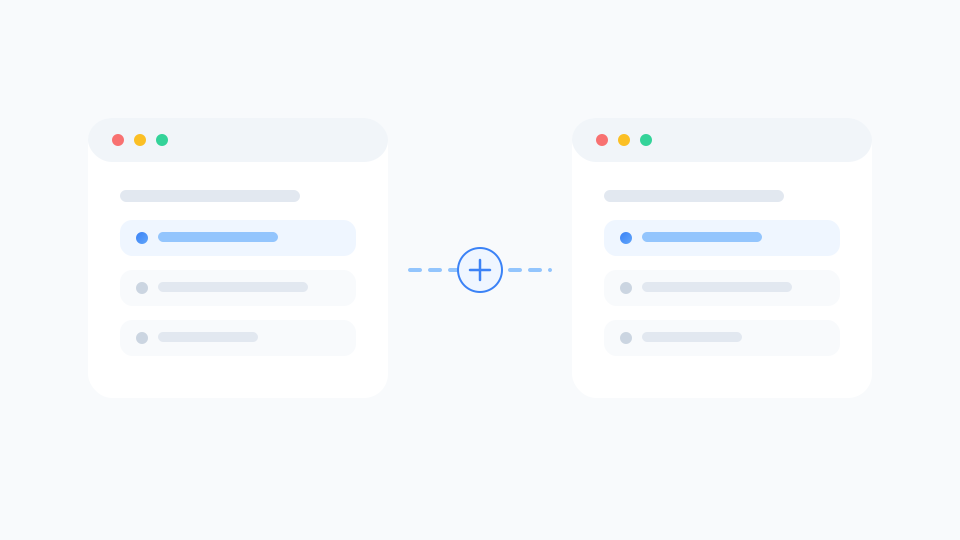
Stop re-uploading the same list every time you switch machines. Save an authorized playlist to your account, then reopen it later to rename, group, sort, and favorite channels without starting over.
- Cross-browser continuity for the same cloud playlist
- Free tier includes limited cloud storage so you can try the workflow
- Paid tier expands to 20 playlists and 2,000 channels each
Keep remote sources current without losing your edits
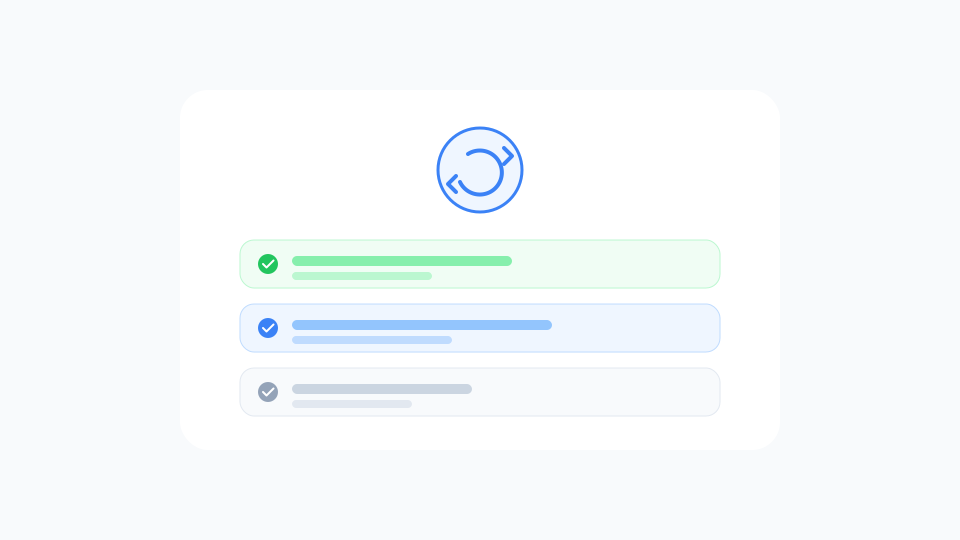
Providers change lineups. Playlist Sync checks configured remote M3U/M3U8 sources on a 24-hour cycle, merges useful upstream changes, and keeps the deliberate edits you already made.
- Automatic 24-hour refresh plus one manual sync per rolling day
- Preserves explicit names, groups, ordering, and favorites
- Failed or empty upstream results never overwrite a healthy Feed
Connect the television once
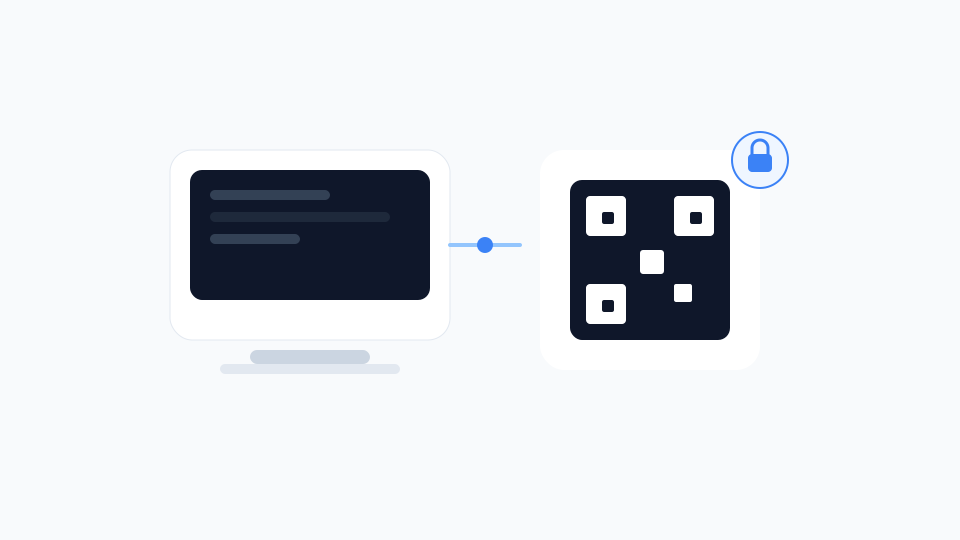
A private TV Feed is a secret, stable M3U address that only contains playlist text. Import it once in your IPTV app, then keep reading the same URL while the cloud list stays current.
- Fixed address and QR code for living-room apps
- Rotate the address to revoke access when a device leaves your home
- No channel packages, no proxying, no video cache on our side
The complete paid playlist workflow
Playlist Sync is not a separate product from Pro. Monthly, yearly, and Lifetime unlock the same paid capability set; Lifetime only changes how you pay.
Broken-channel checking
Run lightweight availability checks with clear status labels before you export or publish a Feed. Daily check quotas scale with your plan.
Organization and history
Group, order, favorite, and deduplicate channels, then recover recent playlist changes when an edit goes wrong.
Flexible export without ads
Export M3U, M3U8, JSON, or CSV for apps that still need a file, and use the account tools without advertising.
Built for real playlist changes
The workflow matters most when sources move, devices change, or you need one address that survives daily maintenance.
- Organize on a computer while television clients keep refreshing the same private address.
- Continue managing a saved playlist after you switch browsers or machines.
- Preserve explicit names, groups, ordering, and favorites after an upstream lineup change.
- Keep serving the last successful Feed when a remote refresh fails or returns empty.
Clear personal-use limits
Every paid plan uses the same practical capacity. Lifetime is a one-time purchase with the same limits as monthly and yearly — not infinite storage or infinite Feeds.
- Private TV Feeds
- 3
- Cloud playlists
- 20
- Channels per playlist
- 2,000
- Daily channel checks
- 2,000
- Automatic sync interval (hours)
- 24
- Manual sync cooldown (hours)
- 24
What people say about Playlist Sync
Feedback from users who manage their own authorized playlists in the cloud and connect living-room apps with a private Feed.
Alex M.
Home media hobbyist
I finally stopped re-uploading the same M3U every time I switched laptops. The cloud list is there when I open another browser.
Priya S.
Multi-device household
Daily sync keeps the source current, and my renamed groups still stick. That was the pain point with local-only editors.
Marco R.
Living-room setup
I imported the private Feed URL once on the TV app. After that I only manage channels on the computer.
Nina K.
Paid subscriber
Checkout on the product page was straightforward. Yearly plan was enough for three Feeds and plenty of channels.
Daniel W.
Power user
I like that it is honest about only handling playlist text. I bring my own authorized sources; no fake channel store.
Sofia L.
Family shared TV
When the upstream list failed one night, the last good Feed still worked on the TV. That reliability sold me.
Frequently asked questions
We process playlist text only — video still streams from the original URLs
How is Playlist Sync different from the free local manager?
The free IPTV playlist manager edits lists in the browser. Playlist Sync adds cloud storage, cross-browser continuation, higher limits on paid plans, daily remote synchronization, private TV Feeds, richer checking and export options, enhanced history, and ad-free account tools.
Why do I paste text or upload a file instead of only entering a URL?
Browsers often cannot fetch remote M3U sources because of CORS and network restrictions. The free preview uses text you paste or upload. When you enable automatic sync and a private TV Feed on a paid plan, our servers fetch the remote source URL you authorize.
How often are remote playlists synchronized?
Each configured private Feed refreshes automatically every 24 hours. You can also request one manual synchronization per rolling 24-hour window. Failed or empty upstream results do not replace the last successful snapshot.
What is a private TV Feed?
It is a stable, secret M3U address containing only playlist text. Your television or IPTV app imports it once with add playlist by URL and continues reading the current saved version from that same address.
Are my edits preserved after synchronization?
Yes. Explicit names, groups, ordering, and favorites are preserved while upstream additions and stream URL changes are applied.
Can free users save to the cloud?
Yes, within free limits: one cloud playlist and 50 channels. Automatic sync and private TV Feeds require a paid plan.
Does Lifetime remove the product limits?
No. Lifetime is a one-time purchase with the same personal-use capacity as monthly and yearly plans.
Do you provide channels or IPTV subscriptions?
No. M3U8 Player does not provide channels, codes, subscriptions, or video streams. You supply playlists you are authorized to use.
What happens after a subscription is canceled?
Paid access continues through the current billing period. After it ends, paid synchronization and private Feed features stop while your account follows the current free-plan rules.